Our guides use a handful of PC-building words without stopping to explain them. Here they are, one sentence each, with a link to where they matter.
A to Z
- AIO cooler
- An all-in-one liquid cooler: a pump, a radiator and two tubes, sealed at the factory. Our combs keep the two tubes together.
- Exhaust
- A fan pushing warm air out of the case. Which way should the air go?
- Expansion slot
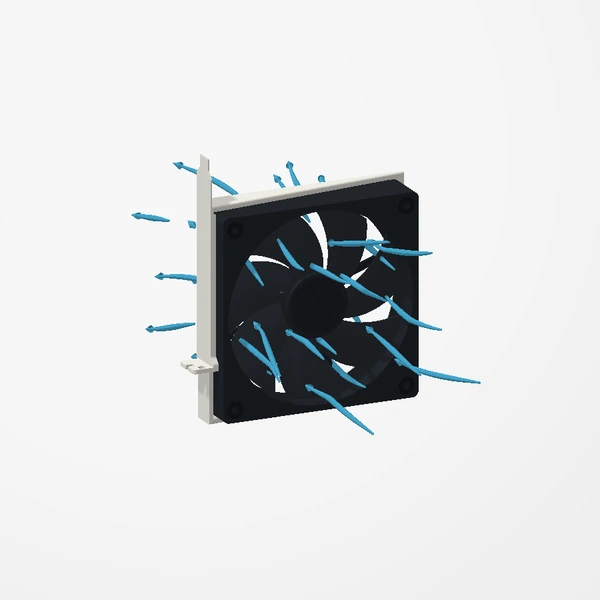
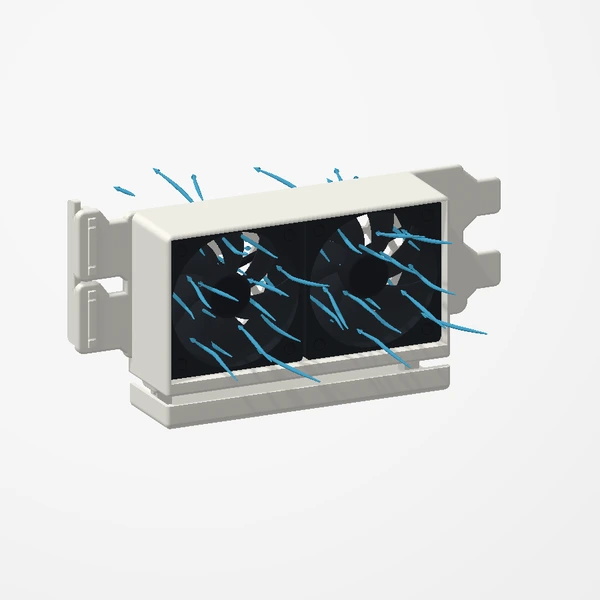
- The openings at the back of a case where cards mount. Our PCIe fan mounts use them like a card would: two slots, three slots or one mounting position, depending on the mount.
- Ferrous
- Containing iron, so a magnet sticks to it. The magnetic base of our Adjustable GPU Support needs a ferrous surface; a fridge magnet is the easiest test.
- GPU sag
- A heavy graphics card drooping at its unsupported end. A GPU support shares the weight from below.
- Intake
- A fan drawing cool air into the case.
- Low-profile
- Half-height expansion brackets used by smaller cases. Our low-profile 40 mm and 60 mm mounts suit them; the high-profile 60 mm mount needs a full-height opening.
- NVMe drive
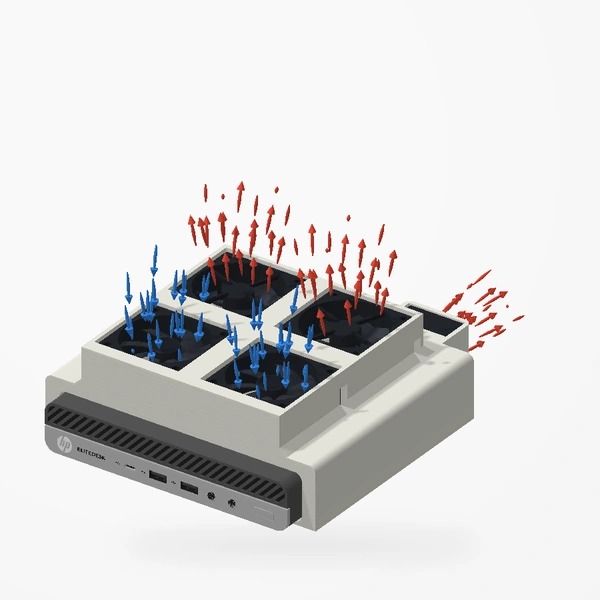
- A fast solid-state drive on the motherboard. In our EliteDesk tests it showed the biggest change: 19.0°C cooler at peak than stock.
- PCH (chipset)
- The motherboard’s platform controller hub. In our EliteDesk tests it peaked 13.0°C cooler with the five-fan mount than stock.
- PETG-HF
- The premium material every product body we make is manufactured from, chosen for thermal resistance and structural durability. Care card.
- PSU shroud
- The cover over the power supply at the bottom of many cases; often where a GPU support stands.
- Slot cover
- The blank metal plate that fills an unused expansion slot. You remove them to fit a PCIe fan mount, and keep the screws to secure it.
- Vented lid
- The perforated lid on some HP EliteDesk 800 Minis. Our sleeve needs it, because the fans move air through the perforations.
Measurements and fit, design by design.
Take the two-minute fit check