A mini PC has little room inside, so where it sits and how it is kept matter more than they would for a full tower.
The five habits
Give it room
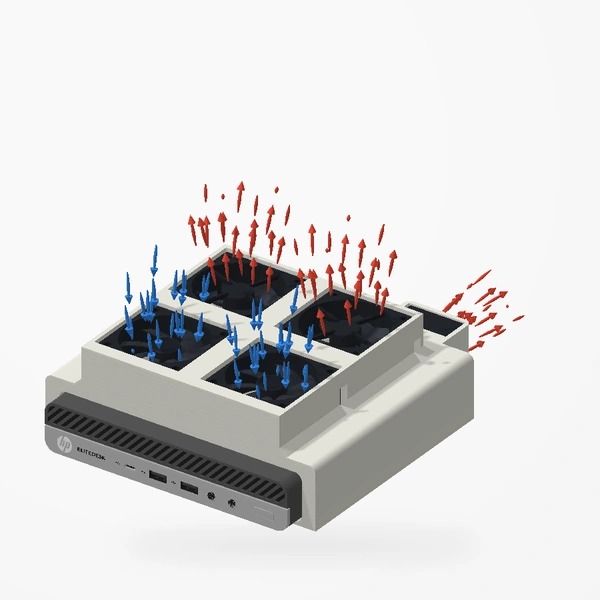
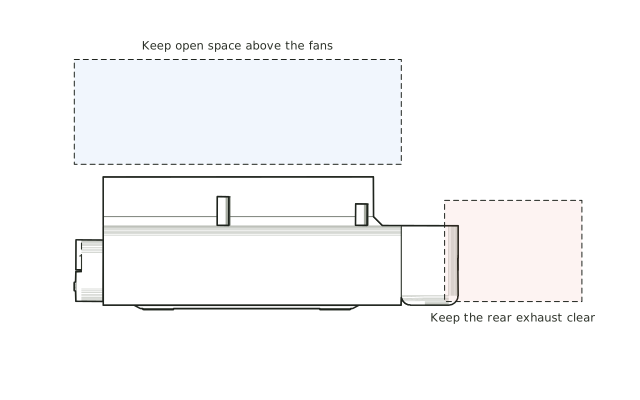
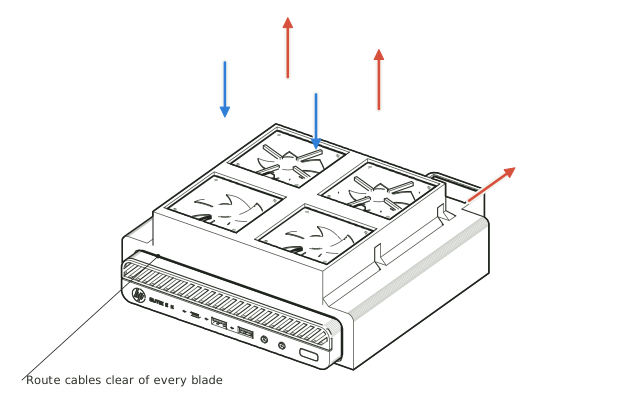
Keep shelves, walls and cables away from the openings that take air in and let it out. With our EliteDesk mount, that means open space above the top fans and behind the rear exhaust.
Keep the openings clean
Dust gathers in fans, grilles and perforated lids. Clean them regularly; blocked intakes reduce airflow.
Point every fan the right way
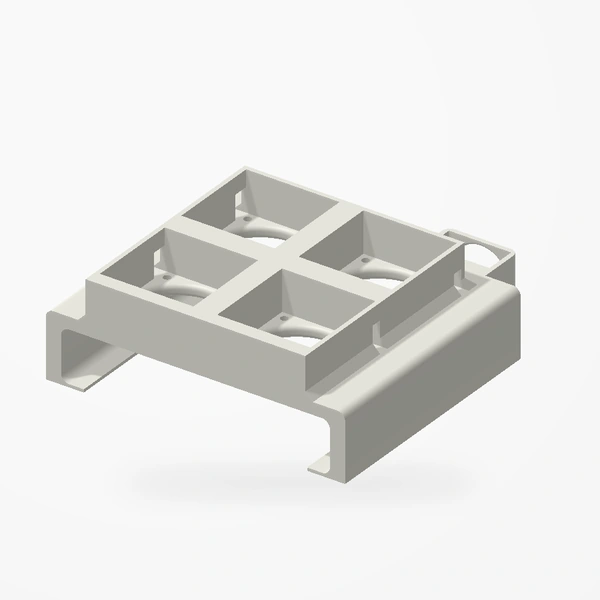
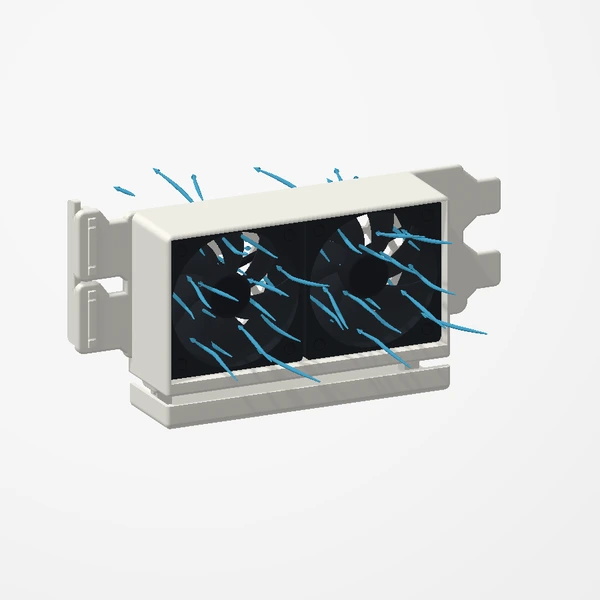
The arrows on a fan frame show which way it blows. On the EliteDesk mount, each of the four top fans can be an intake (blowing down) or an exhaust (blowing up and out), and the 40 mm fan exhausts out of the back. Pick a layout first, then check every frame arrow matches it: a fan facing the wrong way works against the others.
Keep cables clear of blades
Route fan cables away from every blade and check each fan turns freely before switching on.
Know what a mount can do
On our EliteDesk 800 Mini, the five-fan mount peaked 19.0°C cooler at the NVMe drive and 13.0°C cooler at the chipset than stock, and 9.0°C cooler at the CPU than our legacy mount. The test notes.
Views, fit checks and installation for the EliteDesk mount.
See the EliteDesk mount