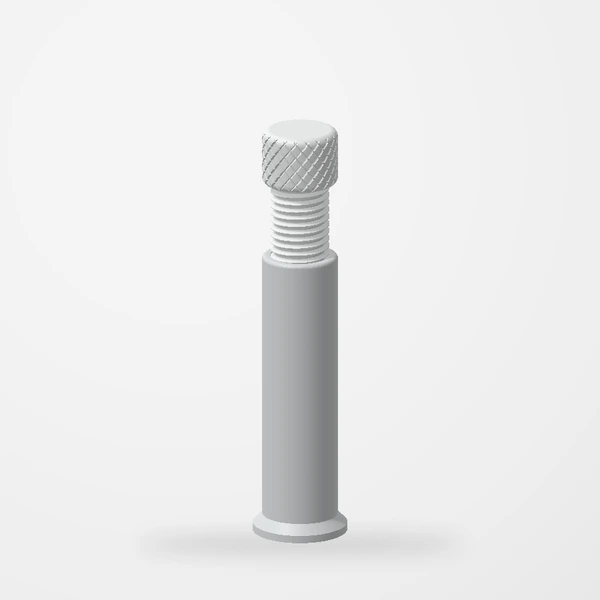
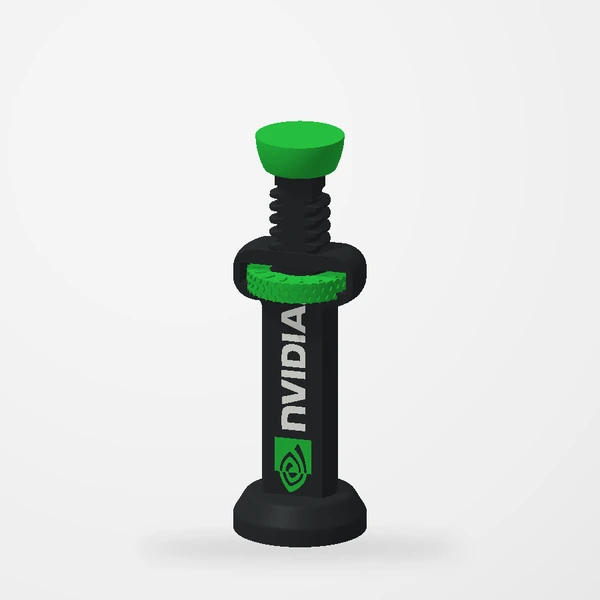
A GPU support is there to share the card’s weight, not to push it somewhere new. Five steps keep it that way.
Five steps
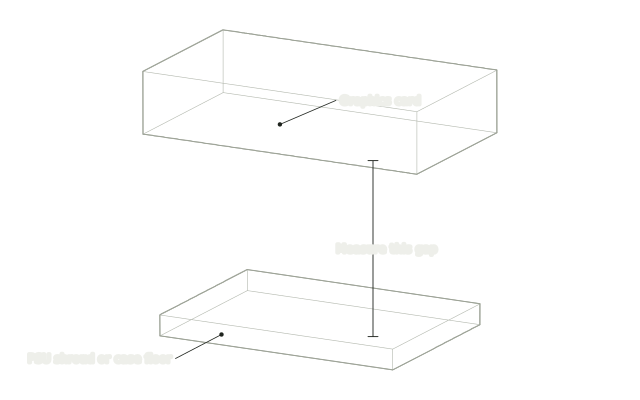
Measure the gap
With the PC off and unplugged, measure straight down from a support point under the card to the PSU shroud or case floor. The adjustable support comes in 50–70 mm and 70–130 mm; on the larger one, remove the top for about 70 mm, or keep it for 75–130 mm.
Set it a little short
Turn the knurled top until the support is slightly shorter than the gap. Starting short means it can never be wedged in under tension.
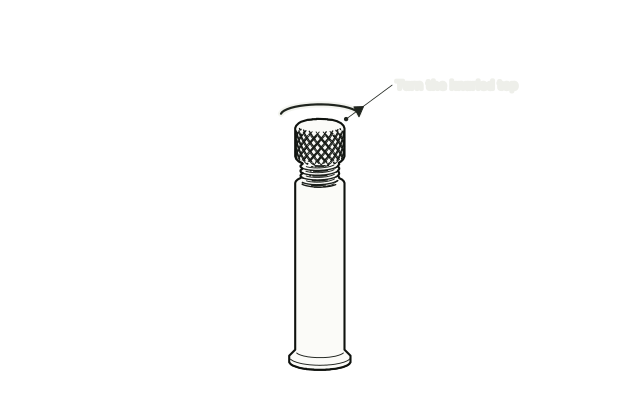
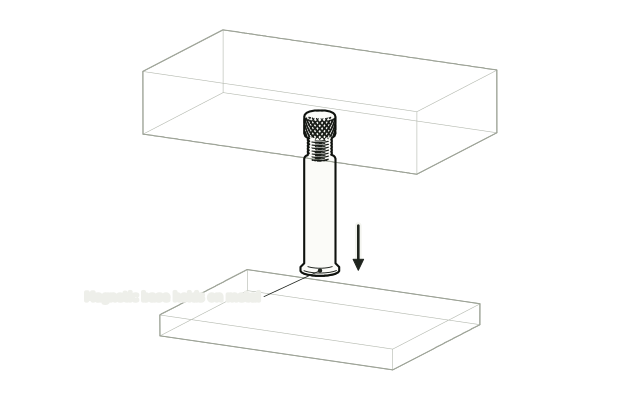
Stand it under the card
Stand the support upright on the PSU shroud or case floor, right under your support point. On the Adjustable GPU Support, the magnet in the base grips ferrous metal (check your surface with a magnet); the branded support simply stands flat.
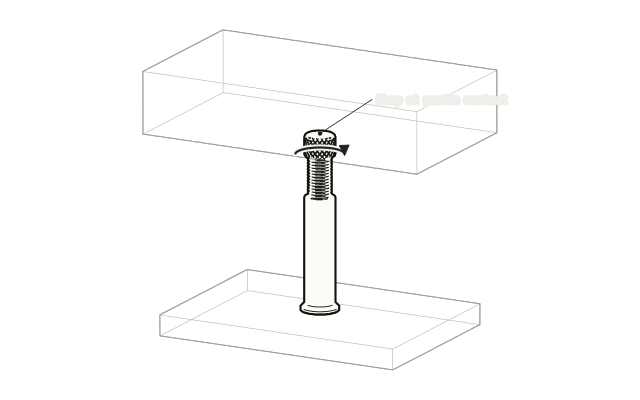
Turn until it just meets
Turn the top until it touches the card, then stop. Do not lift or force the card upward.
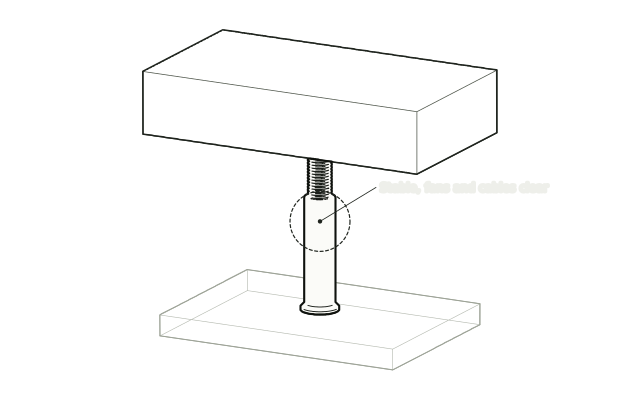
Check, then power on
The support should stand upright and steady, with the card’s fans and nearby cables clear.
Watch both supports adjust through their range.
See the adjustable support