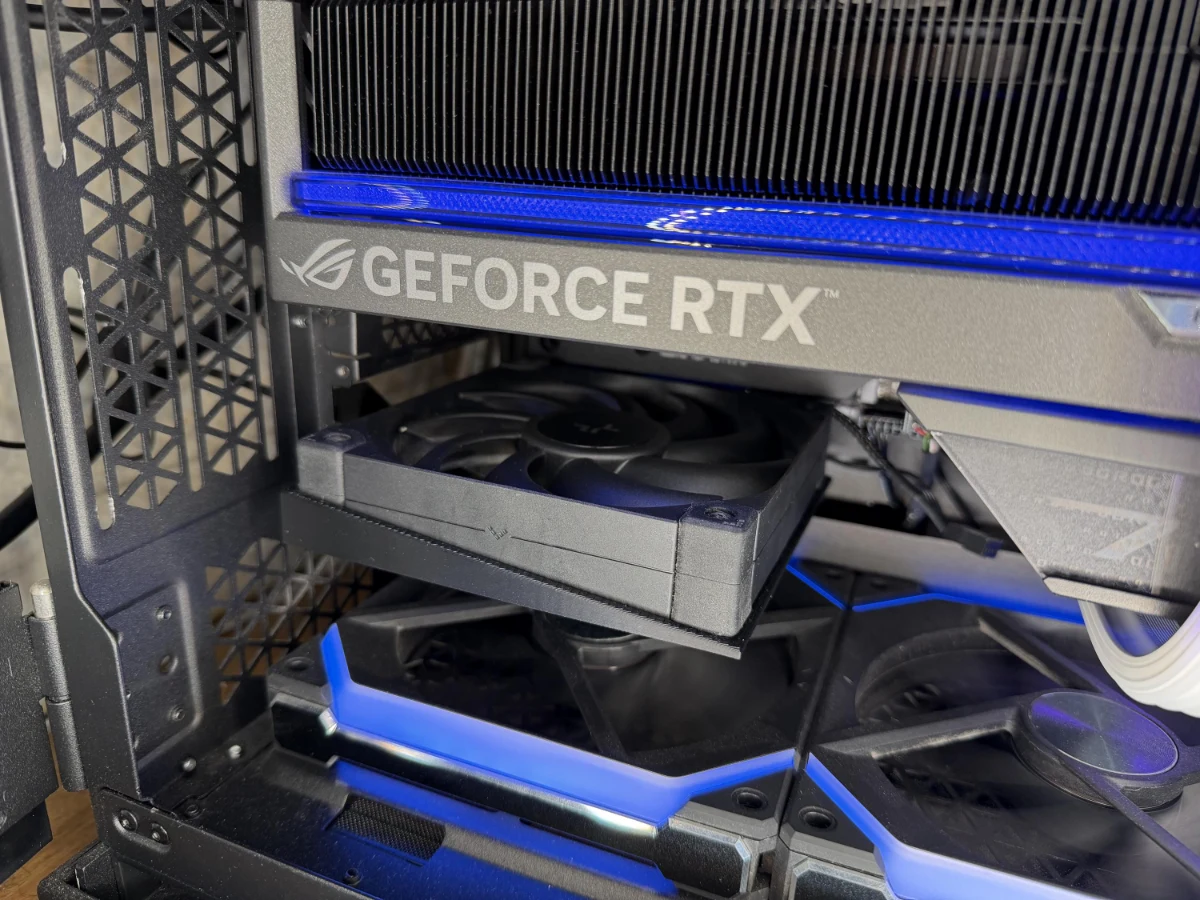
Our fan mounts solve the same positioning problem in different ways. Choosing between them starts with the space available around your graphics card.
The collection includes a low-profile mount for one 40 mm fan, a mount for two 40 mm fans, low-profile and high-profile designs for a 60 mm fan, and a 120 mm mount. The names describe different physical arrangements; they are not a ranking of cooling performance.
Compare the footprint
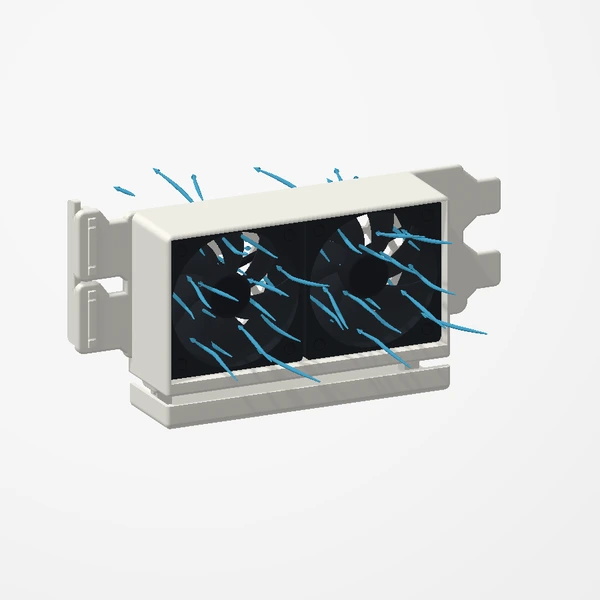
Compare two designs. Renders are framed individually, not shown at a common scale. Fans are not included.
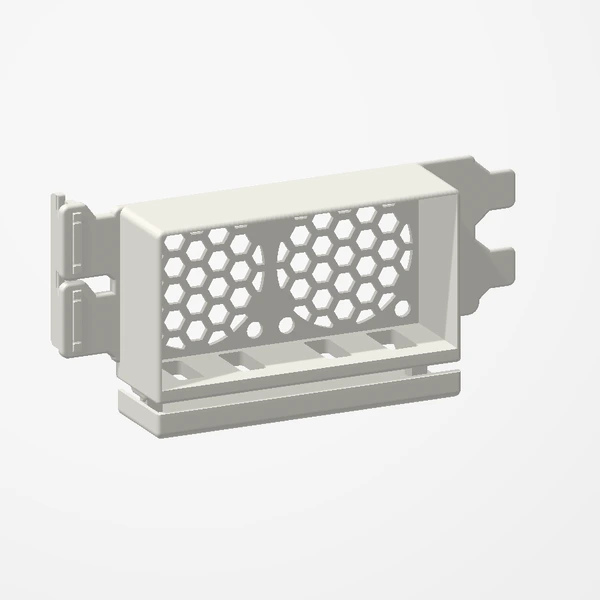
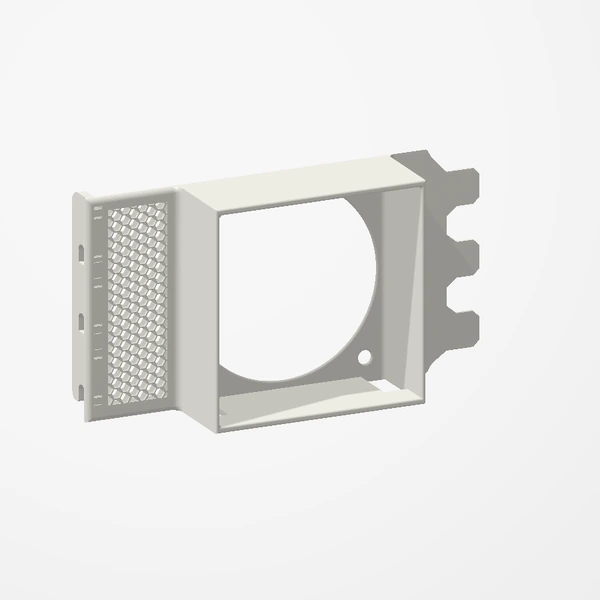
High-Profile 60 mm PCIe Fan Mount
- Fans
- 1 × 60 mm
- Rear slots
- 3
- Case profile
- Full-height bracket
Slot count describes the mounting footprint. Measure the complete fan and mount assembly against your available space; use the Etsy listing for dimensions.
| Design | Fans | Free slots | Case fit |
|---|---|---|---|
| Low-profile 40 mm | 1 × 40 mm | 2 | Low-profile supported |
| Dual 40 mm | 2 × 40 mm | 2 | Check case profile |
| Low-profile 60 mm | 1 × 60 mm | 3 | Low-profile supported |
| High-profile 60 mm | 1 × 60 mm | 3 | High-profile bracket |
| 120 mm | 1 × 120 mm | 1 mounting position | Allow space for the entire fan |
Fans are not included. Slot count describes the mounting footprint, not the full internal clearance. Check fan thickness, the mount and nearby components against the listing dimensions.
The low-profile 40 mm and 60 mm versions support low-profile cases with two and three free slots respectively. All versions use standard case expansion-slot mounting; check internal clearance as well.
Look beyond the fan size
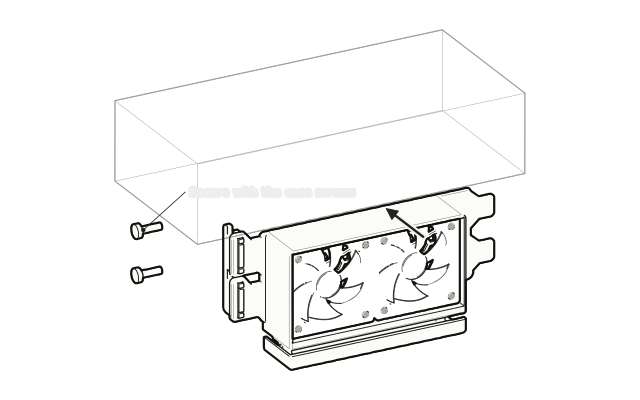
A fan's nominal size does not describe the complete installed assembly. Check the fan thickness, the mount's dimensions, available rear slots, and clearance around nearby components. Compare those details with your case and hardware documentation.
Each preview opens with the assembled mount. Choose the installed-fan view and the blades and illustrative airflow play on their own; drag the lined wheel to scrub them. Fans are not included.
Cooling test notebook
These are observations from our tested build, not performance ratings for every mount or system.
- 2×40 mm: GPU temperature decreased by 1.5°C.
- 1×60 mm: GPU temperature decreased by 3°C.
What was recorded
GPU fan noise also decreased during the test; we did not measure a decibel reduction. These are results for the tested fan configurations, not separate tests of every mount variant. They do not establish results for the single 40 mm or 120 mm mounts.
What the available notes do not establish
The recorded results do not include a complete test protocol with ambient temperature, workload duration, fan speeds and repeat measurements. They also do not identify separate results for both 60 mm bracket profiles. Without that information, a temperature reduction in this build cannot predict the change in another.
Testing your own setup
If you compare your build before and after installation, keep the workload, case panels, fan settings and room conditions as consistent as possible. Record the GPU temperature and fan speed after they settle, repeat the comparison, and note anything else that changed. This is a suggested comparison method, not a description of our original test.
Best suited to tighter cases with limited existing airflow. Results vary by case, hardware, fans and test conditions; temperature and noise improvements are not guaranteed.
Watch our PCIe fan test. Fans are not included with the mounts.
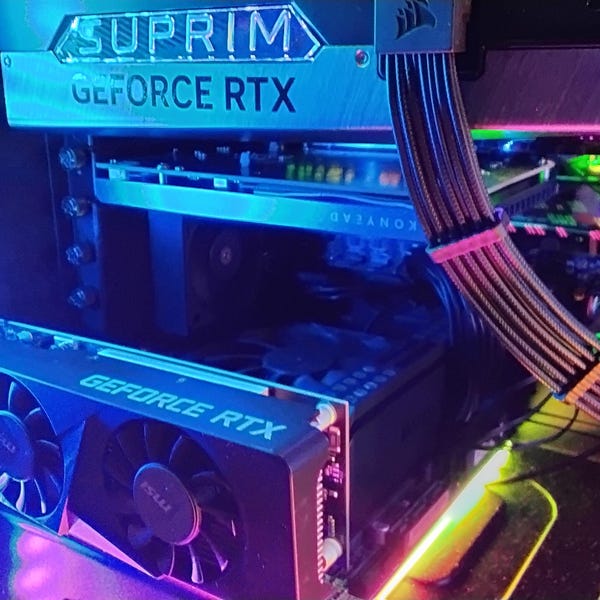
A mount is one part of a cooling setup
Our PCIe fan project on YouTube is a place to see the idea in the context of a build. Its outcome should not be treated as a guaranteed temperature change for another system. Cases, fans, components, and existing airflow differ.
Before working inside a PC, shut it down and disconnect its power. Keep clear of moving fan blades and follow the installation guidance for your components.
Bring us the details
If you are choosing between two mounts, send the case model, fan size and thickness, available slots, and the space you have measured. That makes the conversation about a specific fit. Current product options and availability are on Etsy.
Take a closer look at the designs in our collection.
Explore fan mounts