Back to Workbench

Nine ways to tidy two tubes

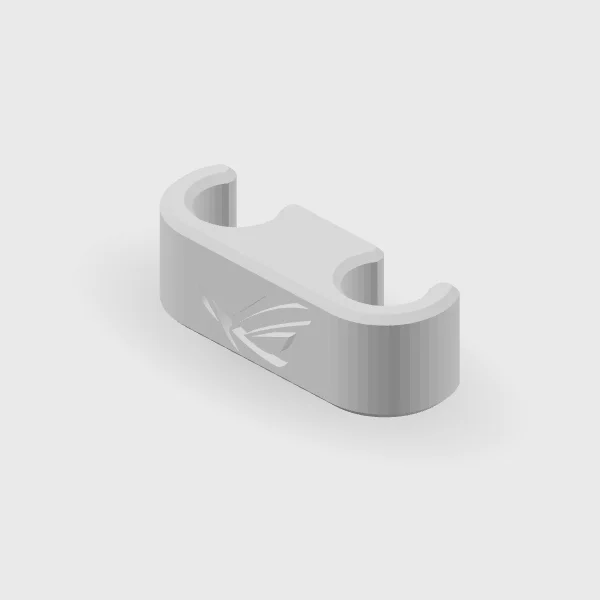
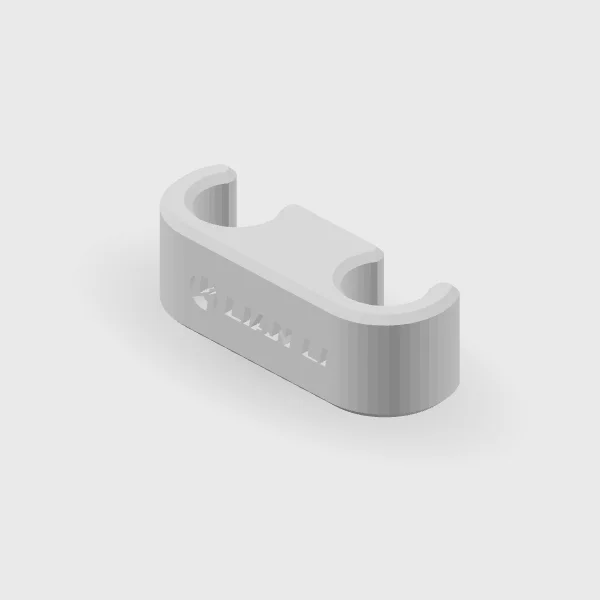
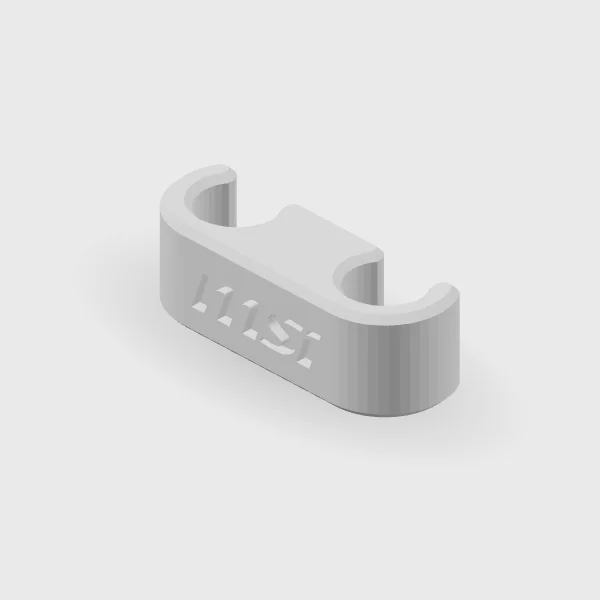
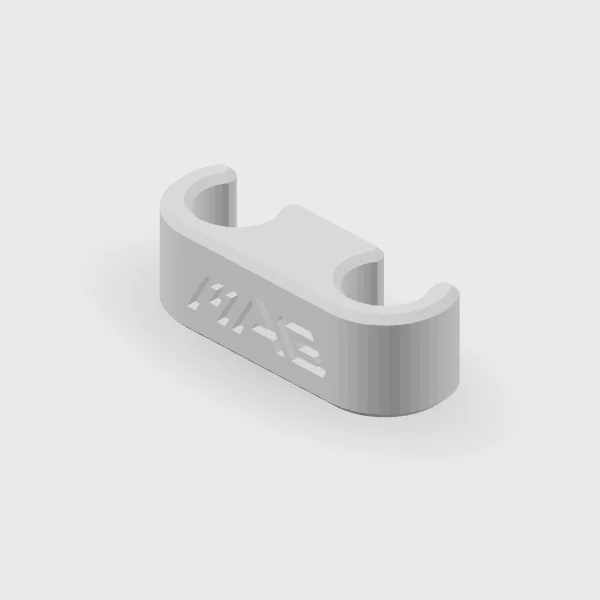
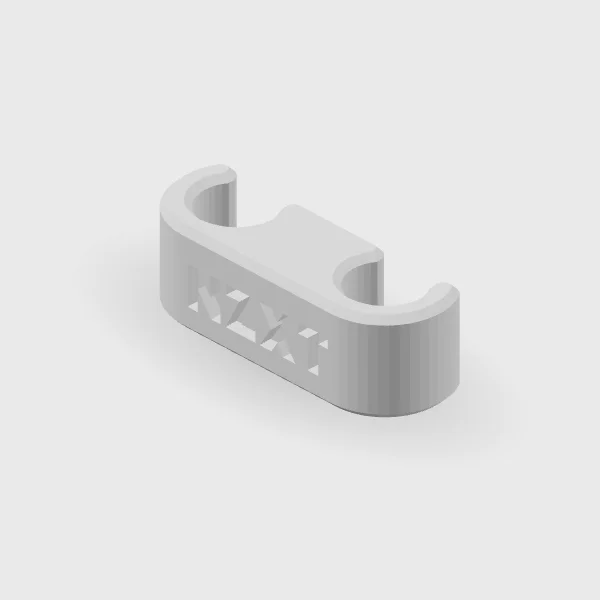
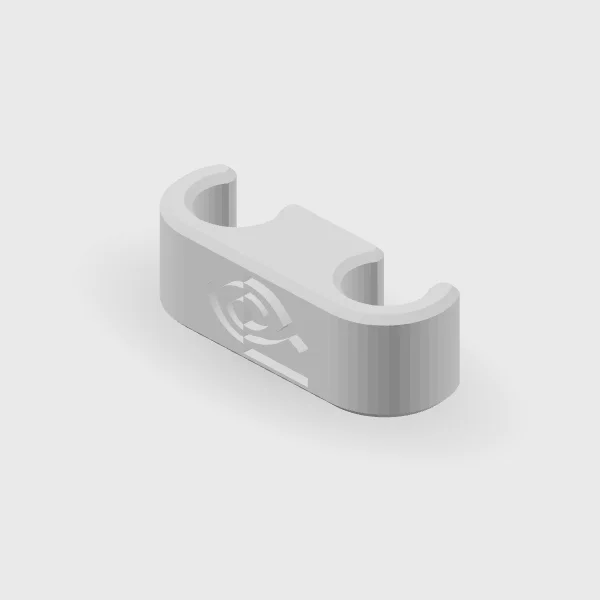
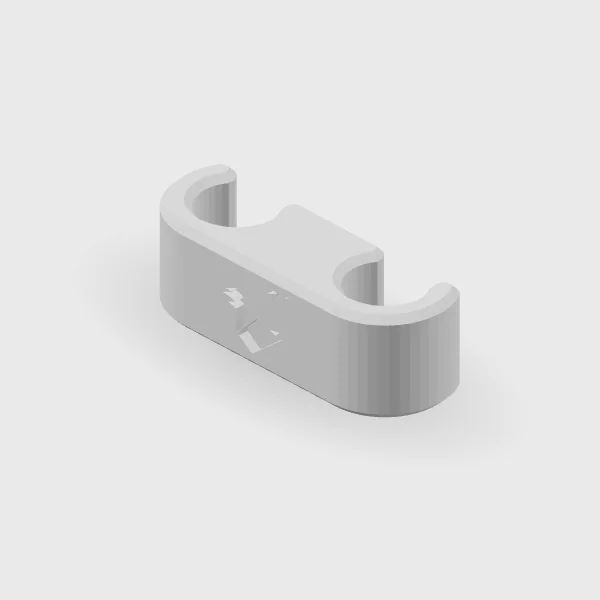
A plain comb or one of eight brand logos, plus a red-logo ASUS clip. Pick one, press it on, and the tubing reads as one clean line.

An all-in-one cooler’s two tubes rarely hang neatly on their own. A comb holds them side by side, and you get to choose what it says.
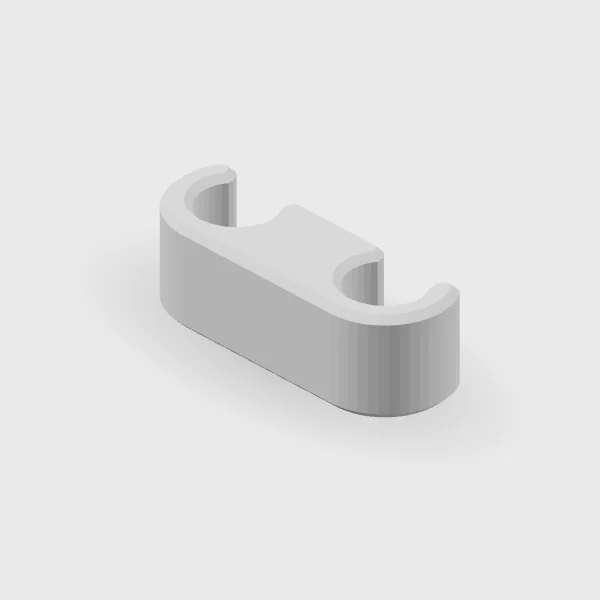
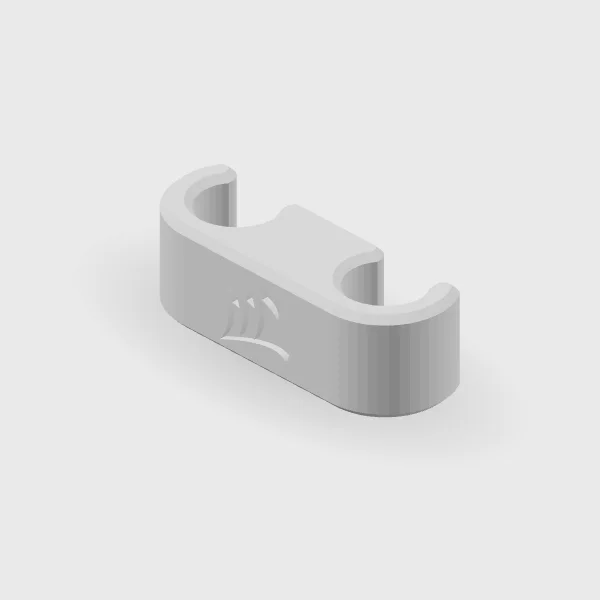
BlankBlankCorsairCorsairASUSASUSLian LiLian LiMSIMSIMSI MAGMSI MAGNZXTNZXTNVIDIANVIDIAAORUSAORUS

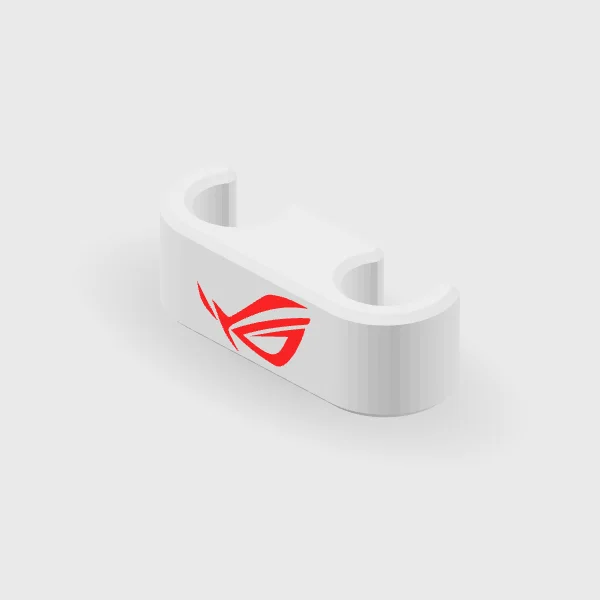
And for ASUS builds there is a two-colour clip: a red ASUS logo on a black or white body.
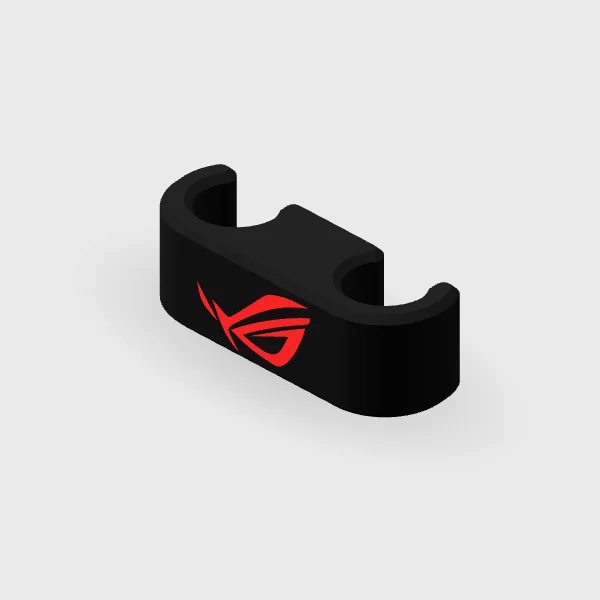
Black body / red logoBlack body / red logoWhite body / red logoWhite body / red logo

Will it fit your tubes?

The combs snap onto the tubing of most consumer AIO coolers, and no one has reported a sizing problem. To be certain, measure the tubing’s outside diameter including its sleeve, and the spacing between the two tubes.

Thirty seconds to fit

With the PC off, choose a relaxed, straight section of both tubes, clear of the pump and radiator fittings. Hold the comb with one channel over each tube and press until both snap in. Add the rest with even gaps, then check nothing is pinched, kinked or pulled tight. If a comb ever compresses the tubing, take it off and reassess.
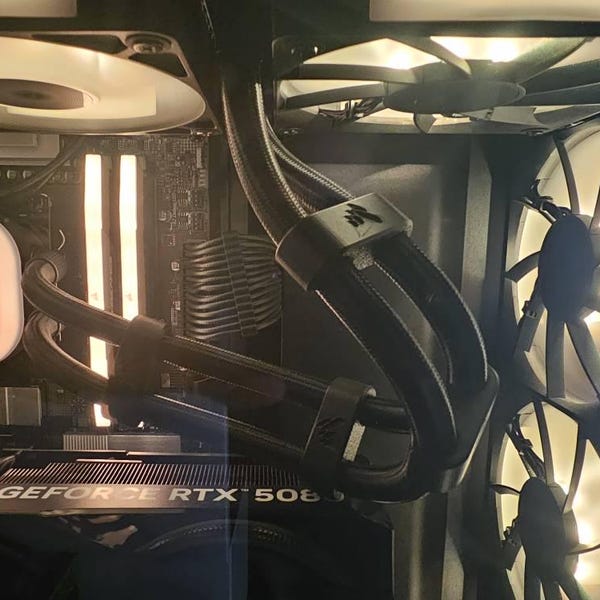
Customer Chris’s PC build with Corsair AIO tube combs
Corsair combs in Chris’s build, from his Etsy review.

See every style from every side.

See the AIO combs
Keep reading

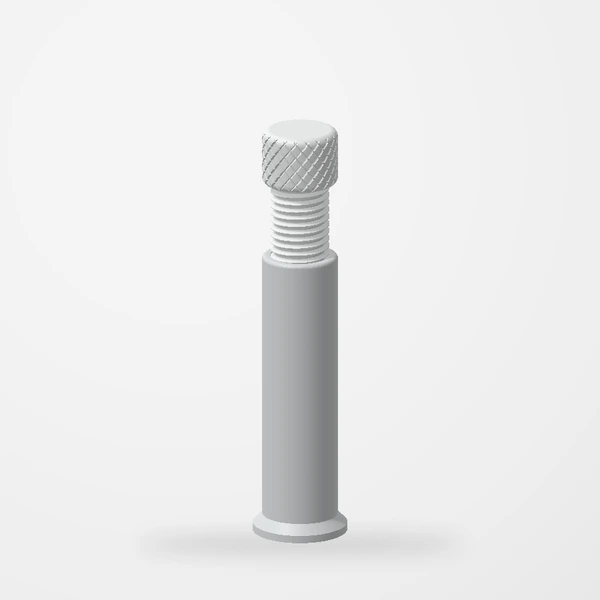
Rendered preview of our adjustable GPU support
Sep 15, 2026Projects

Small parts, a more considered setup

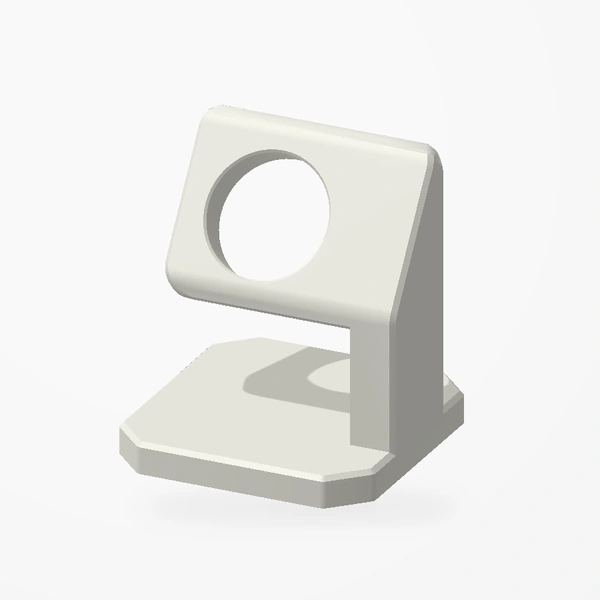
A tour of the supports, fan mounts, tubing clips, and desk accessories in our collection.

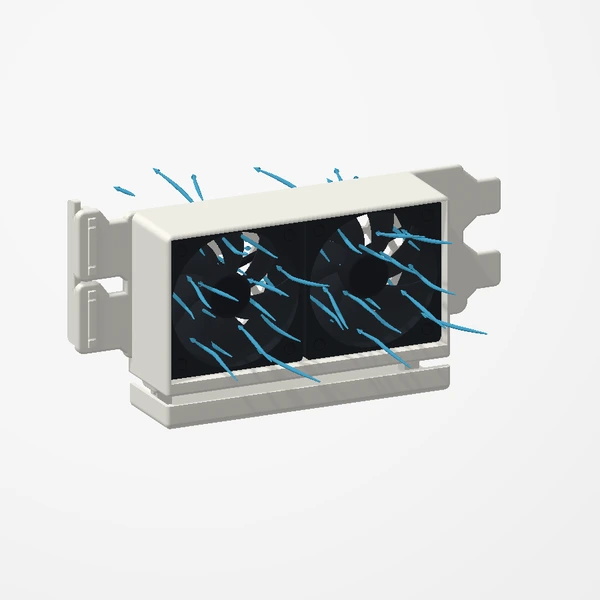
A fan mount moving into free slots below a graphics card
Oct 2, 2026Guides

The two-minute fit check

A tickable checklist for every design. Grab a ruler, open the case, and work down the list before you order.

Oct 9, 2026Guides

In the box, and what you bring

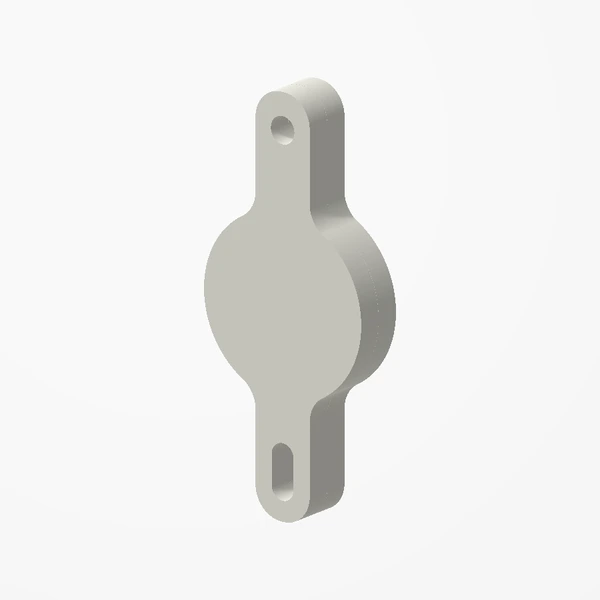
Fans, screws, phones and trackers. Design by design, what arrives with the part and what to have ready before it does.