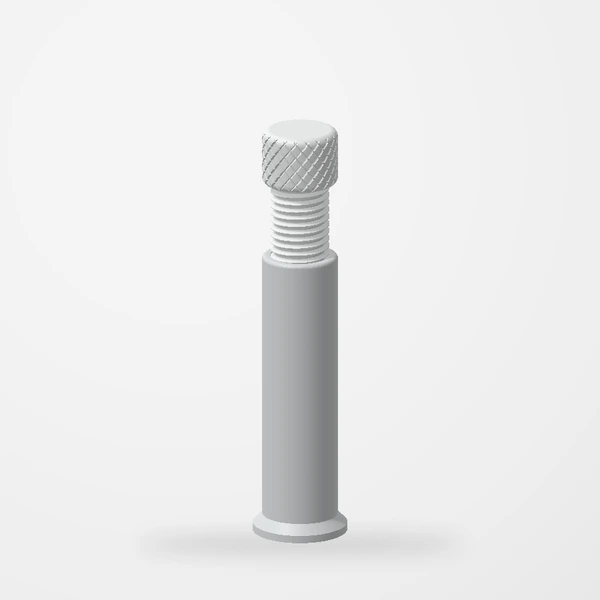
The most useful detail when choosing a GPU support is also the easiest to overlook: the distance it needs to span in your own case.
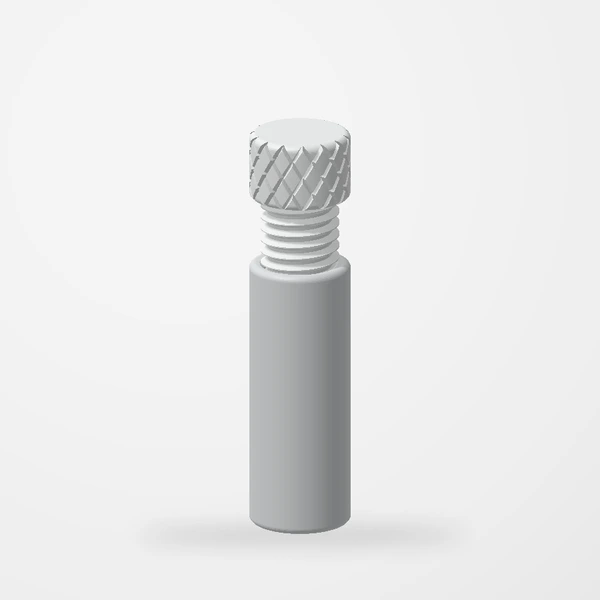
Our adjustable support has 50–70 mm and 70–130 mm size options. For the larger option, completely unscrew and remove the support screw to use just the base at approximately 70 mm (69–73 mm). Reinstall the screw for taller positions up to 130 mm; check that your chosen configuration meets the measured gap. Measure your intended gap before choosing.
Measure the intended position
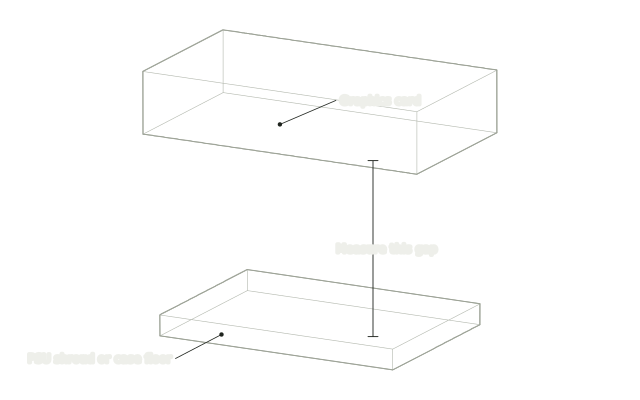
Before measuring inside a computer, shut it down and disconnect its power. Identify the intended supporting surface and a suitable contact point on the graphics card, following the guidance for your hardware. Measure the vertical distance between them.
Do not estimate from a photograph of somebody else's build. Case floors, shrouds, card coolers, and mounting arrangements change the available space. A similar-looking system can need a different height.
Check the space around it
Height is only one part of fit. Look at the footprint available for the base and the area around the intended contact point. A support should not obstruct a fan, press on a cable, or depend on a loose surface.
The aim is support, not lifting the card into a new position. If the intended placement is uncertain, check your graphics-card documentation and ask about the fit before ordering.
Adjust the assembled support
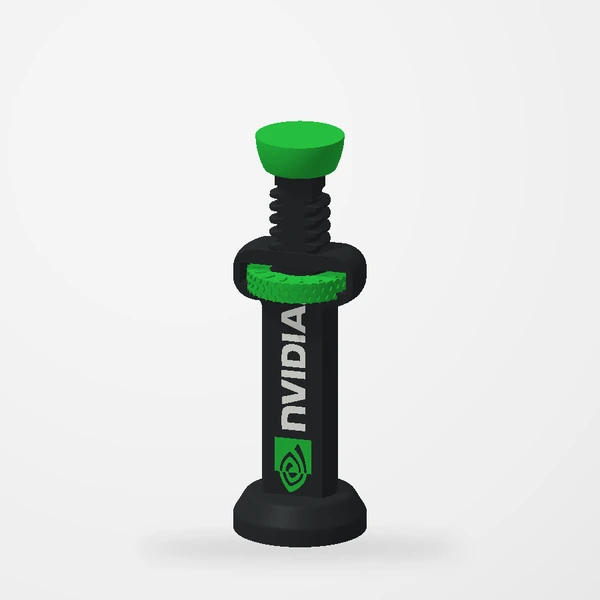
Use the View buttons to compare sizes and the vertical lined wheel to extend the assembled support. A magnet at the bottom of the unbranded support’s column adds stability on a ferrous metal case surface that attracts a magnet. The preview does not replace your own measurements.
Ask a specific question
If you contact us, include the case model, graphics-card model, measured gap, and intended placement. A clear description of that space gives us a better starting point than a general question about whether a support is universal.
Check the current Etsy listing for available options and details before purchasing. If your measurement is at the edge of a listed range, ask us to clarify the fit rather than assuming it will work.
Compare the two sizes in the assembled preview.
Explore the GPU support