Back to Workbench

Wearing your team colours

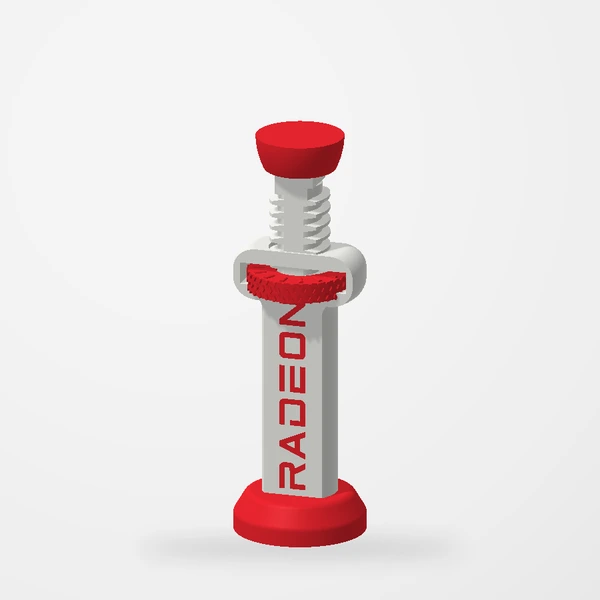
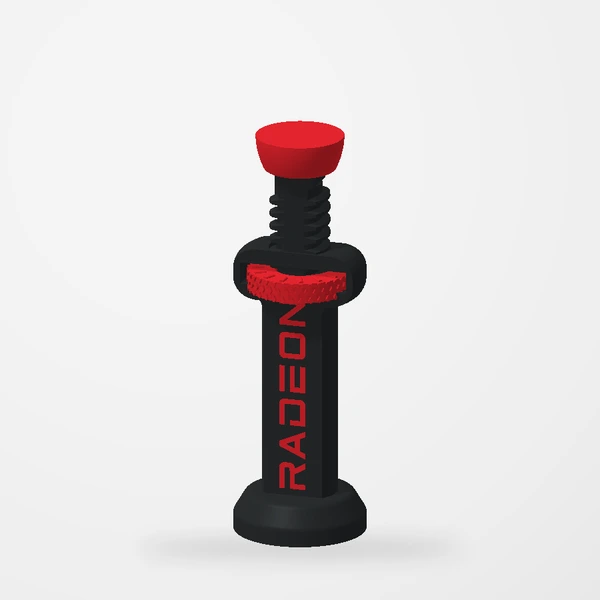
NVIDIA or Radeon, black or white. The adjustment is the practical part; the finish lets it belong in the build.

A GPU support stands right under the most visible part of many builds. So we made one that matches.
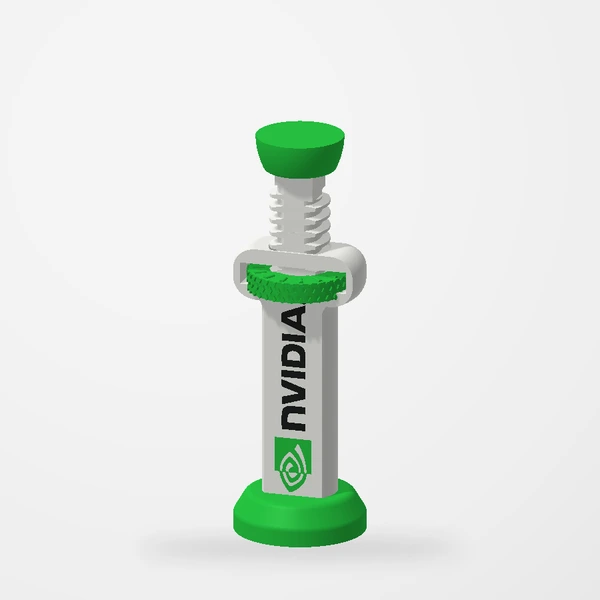
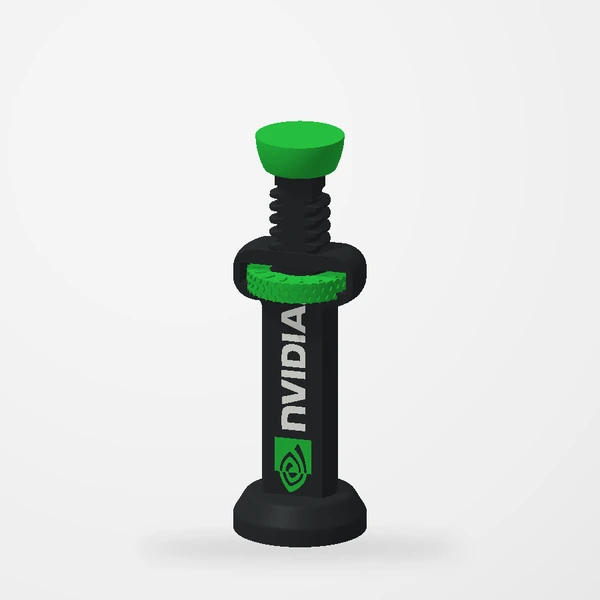
NVIDIA / white bodyNVIDIA / white bodyNVIDIA / black bodyNVIDIA / black bodyRadeon / white bodyRadeon / white bodyRadeon / black bodyRadeon / black body

How it moves

The support covers 75–110 mm. Turn the coloured wheel and the threaded shaft and top pad travel straight up or down; the pad does not twist against the card. Its base stands flat on the PSU shroud or case floor; unlike the adjustable support, it has no magnet.
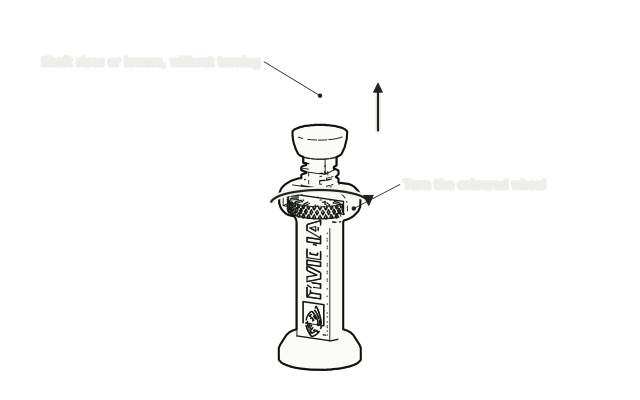
The support with a curved arrow around its coloured wheel
Turn the wheel; the pad moves straight up · drawn from the real parts, not to scale.

Setting it

Measure from your support point to the PSU shroud or case floor, set the support a little short, stand it in place and turn the wheel until the pad just meets the card. Never lift or force the card. Five turns to a supported graphics card walks through it.

Switch finishes and adjust the height in the preview.

See the branded support
Keep reading

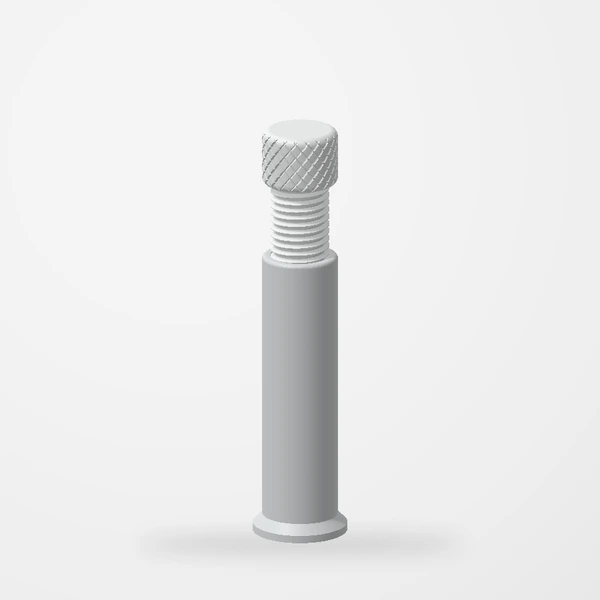
The adjustable GPU support in its 70–130 mm size
Oct 2, 2026Guides

Five turns to a supported graphics card

Measure, set it short, stand it, turn until it just meets, check. A GPU support shares the weight; it never lifts the card.

Adjustable GPU Support 70 to 130mm version
Sep 15, 2026Guides

Choosing an adjustable GPU support

Start with the height available in your case, then compare the two adjustment ranges in our collection.

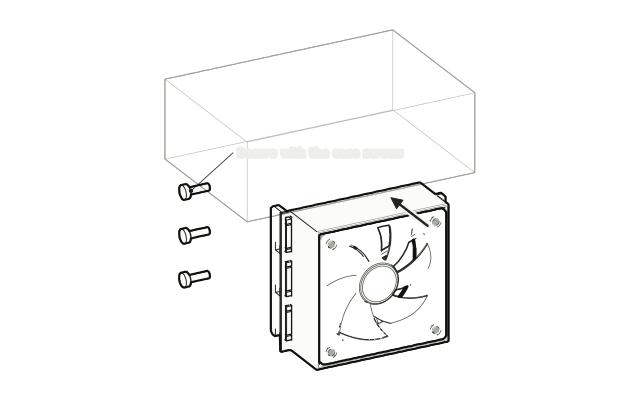
A fan mount moving into free slots below a graphics card
Oct 2, 2026Guides

The two-minute fit check

A tickable checklist for every design. Grab a ruler, open the case, and work down the list before you order.