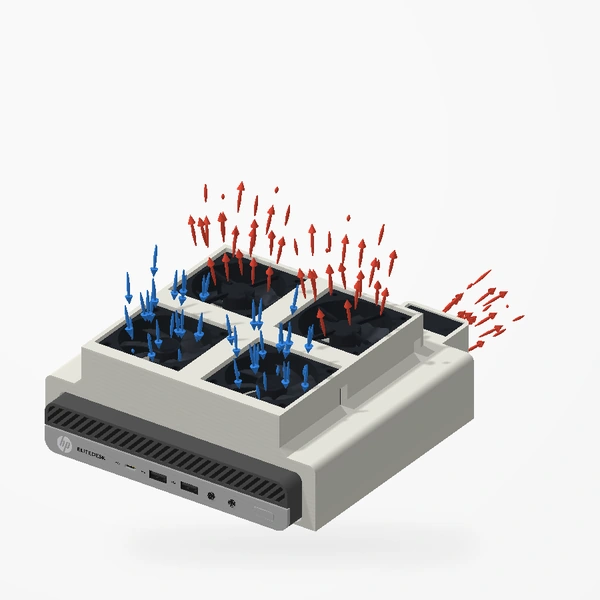
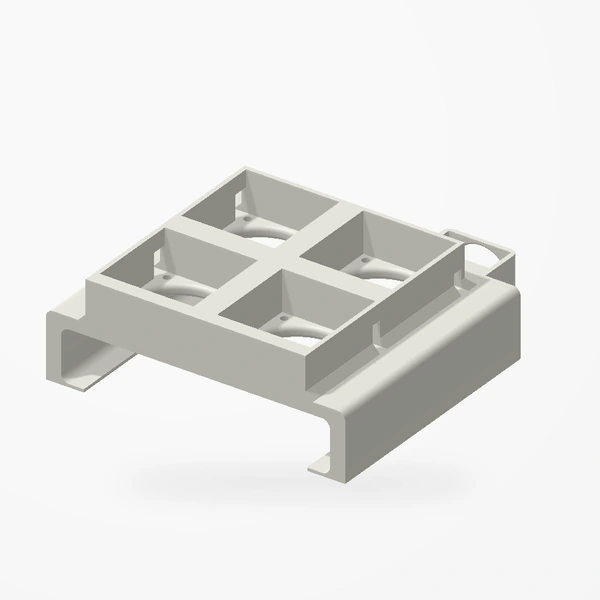
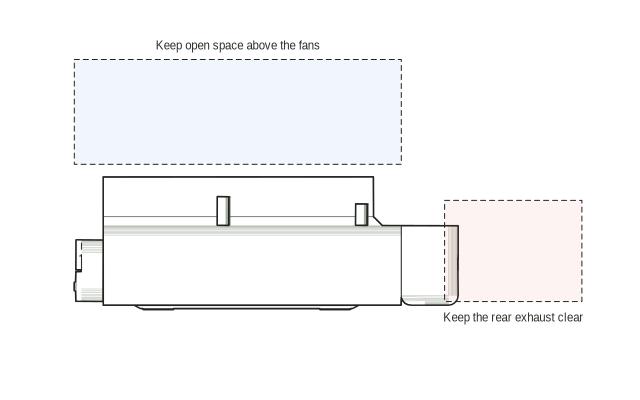
Every one of our designs begins life as a 3D file. OMNIVIEWER is the tool we built for working with files like these, and it is free for everyone: open almost any 3D file in your browser to look at it, measure it, convert it, repair it or edit it.
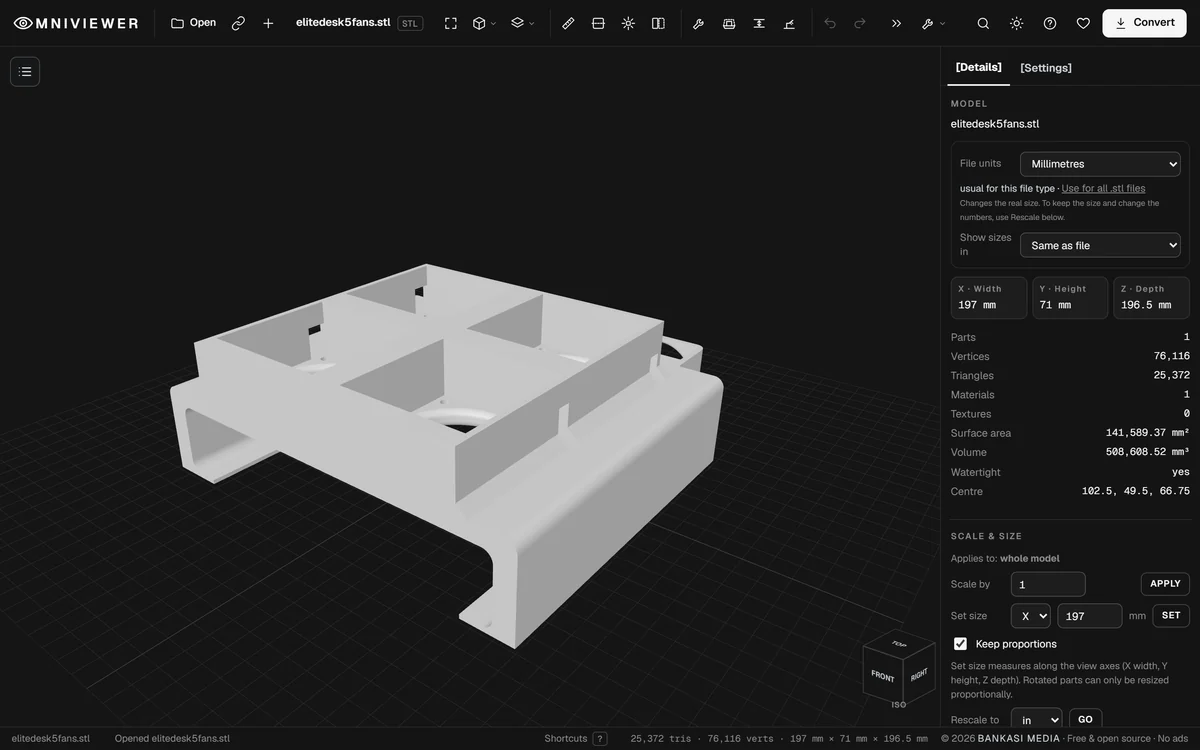
That is the model of our EliteDesk 800 Mini fan mount, dropped straight onto the page: its size, surface area and volume, whether the mesh is closed, and which unit every number is in. Nothing left the computer to get there.
What it does
View and inspect
Orbit, section, explode and X-ray a model, check its normals, flipped faces and UVs, and compare two versions side by side or as a deviation heatmap.
Convert
Quick Convert turns one file or a whole batch into the format you need, with presets for 3D printing, Blender, Unity, iPhone AR and CAD, and a report of what each format cannot keep.
Repair and print
Find open edges, flipped faces and loose pieces and repair them in one click, reduce polygons, hollow a part, cut it into closed halves and estimate its weight, filament and cost.
Measure, paint and edit
Distances, angles, gaps and hole diameters; a paint brush; move, rotate, scale and mirror parts; 3D text and SVG logos. Every change can be undone.
Share and document
Screenshots at any size, turntable videos and GIFs, an embeddable viewer, a printable model report and a dimensioned three-view drawing.
The rules it follows
A feature that breaks one of these does not ship, however useful it looks.
- Free
No catch
No paywall, no pro tier, no ads and no sign-up. Donations stay optional and never unlock a feature.
- Private
Local first
Files are opened, converted and exported on your device. Nothing is uploaded; a remote file loads only when you paste its link.
- Quiet
No automatic telemetry
The app does not phone home. A problem report is text you can read before you choose to send it.
- Honest
Numbers with their units
Every measurement says which unit it is in and where that unit came from, and estimates are labelled as estimates.
- Careful
Nothing changes silently
Every edit can be undone, and before a download the export shows what the format will lose.
Questions we get
Is it really free?
Yes, every feature, with no ads and no account. It is open source under the MIT licence.
Are my files uploaded?
No. OMNIVIEWER opens, converts and exports files on your own device.
Does it work on a phone?
Yes. It has a phone layout with a bottom toolbar, installs as an app, works offline after the first visit, and on an iPhone a model can be viewed in AR.
Can it open a Fusion 360 or SolidWorks file?
Only their own programs can read those. OMNIVIEWER shows the preview stored inside, when there is one, and the steps to export the model as STEP or STL.
Which languages?
English, Spanish, German, French and Portuguese.
Why it has its own site
OMNIVIEWER is part of the Bankasi Media family, made in the same workshop as our videos and [creations], but it is its own project with its own address, omniviewer3d.com. It is for anyone with a 3D file, whether or not they have ever seen one of our designs. The code is public on GitHub, where bug reports and format requests are welcome.
New to it? Five checks to run on a file before you print it is a good first walk through the tools.
Drop a 3D file in and see what is inside.
Open OMNIVIEWER