Back to Workbench

Click, on the go

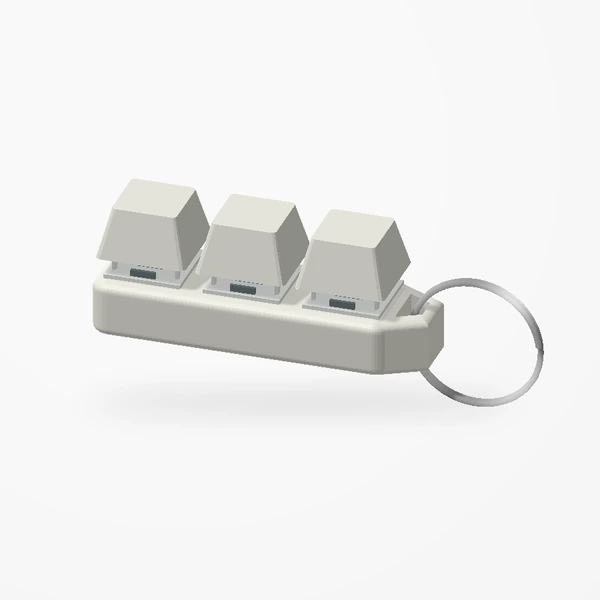
Gateron Blue switches and raised keycaps on your keyring. One key, two keys or three.

Some people tap pens. Some people click the keychain.
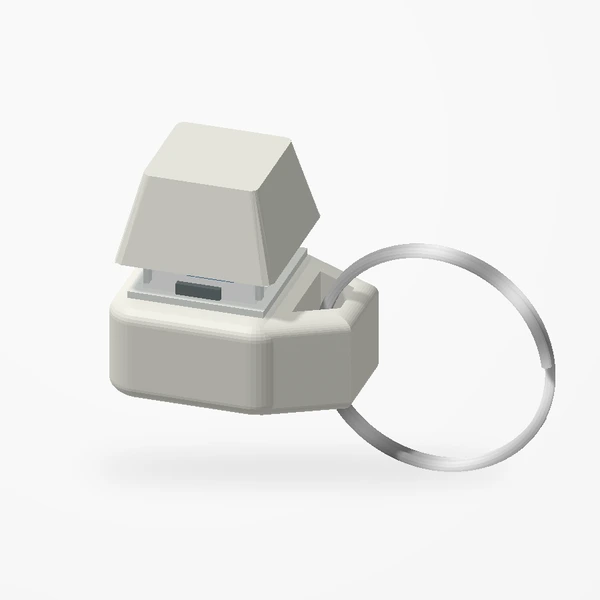
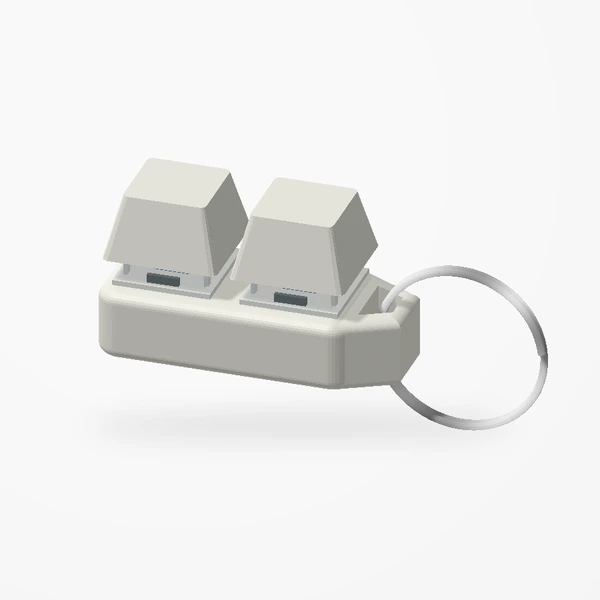
One keyOne keyTwo keysTwo keysThree keysThree keys

The click is real

Each key sits on a tactile Gateron Blue switch, the clicky kind found in mechanical keyboards. Press and release it exactly like a key on your keyboard. The base and raised keycaps are manufactured from premium PETG-HF.

How many keys?

One key keeps it smallest. Two or three give your fingers room for a little sequence of presses. Every version comes with a metal keyring attached.
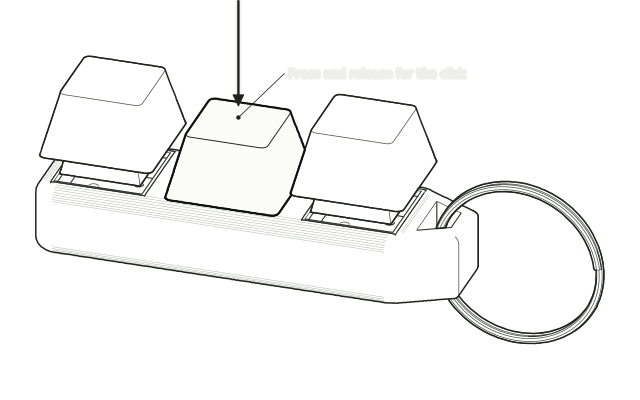
A finger-press arrow on the middle keycap
Press, release, repeat · drawn from the real parts, not to scale.

Be kind to it

Open the split ring to thread it onto your keys rather than levering the body sideways. Keep liquid away from the switches, wipe the outside with a dry, soft cloth, and check the loop and ring now and then.

Press the keys in the preview.

See the keychain
Keep reading

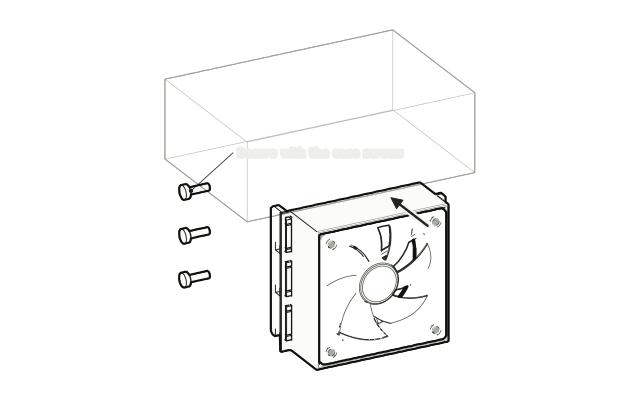
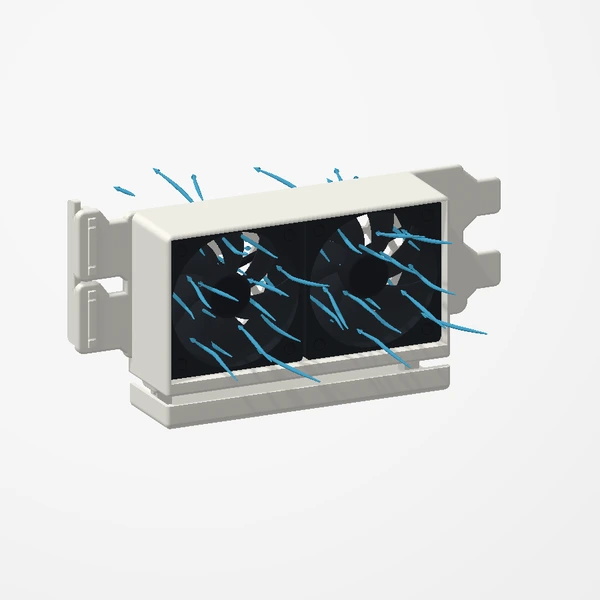
A fan mount moving into free slots below a graphics card
Oct 2, 2026Guides

The two-minute fit check

A tickable checklist for every design. Grab a ruler, open the case, and work down the list before you order.

Oct 9, 2026Guides

In the box, and what you bring

Fans, screws, phones and trackers. Design by design, what arrives with the part and what to have ready before it does.

Oct 2, 2026Projects

The whole collection in one scroll

Twenty-seven designs: four corners of a setup and eight made to order. A quick map of everything in [creations], from the case to the keyring.