Back to Workbench

Anatomy of a snap

One puck, one track, three magnets. What happens in the last few millimetres, and which of the three sizes to choose.

Slide the puck along its tray and, just before the end, it is pulled the rest of the way with a snap. That last moment is the whole design.
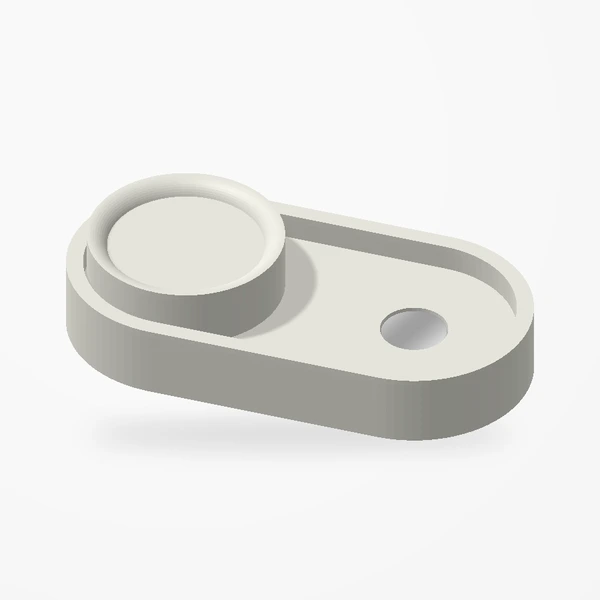
The Magnetic Fidget Slider with its puck between two magnets
The Large slider.

Three magnets

There is one neodymium magnet beneath the puck and one at each end of the tray. In the middle of the track you are doing the work. Near either end, the magnet under the puck meets the magnet in the tray, and they finish the movement for you. Slide it back, and it lets go.
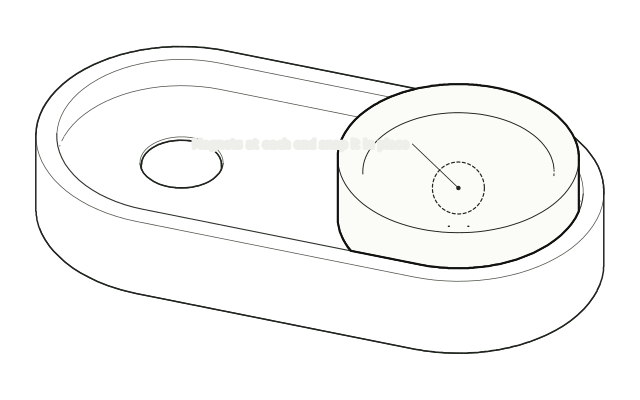
The puck snapped against one end of the track, highlighted
The snap at the end of the track · drawn from the real parts, not to scale.

Small, Medium or Large

SizeFootprint
Small43 × 18 mm
Medium55 × 25 mm
Large70 × 35 mm

All three slide the same way; choose the one that suits your hand. On the design’s page each size has a sliding view and a 360° view. The renders are framed individually, so compare sizes with the footprints, not the pictures.

Slide the puck yourself, in every size.

See the slider
Keep reading

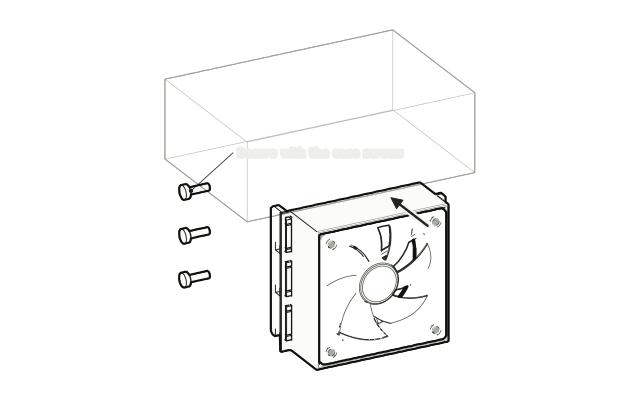
A fan mount moving into free slots below a graphics card
Oct 2, 2026Guides

The two-minute fit check

A tickable checklist for every design. Grab a ruler, open the case, and work down the list before you order.

Oct 9, 2026Guides

In the box, and what you bring

Fans, screws, phones and trackers. Design by design, what arrives with the part and what to have ready before it does.

Oct 2, 2026Projects

The whole collection in one scroll

Twenty-seven designs: four corners of a setup and eight made to order. A quick map of everything in [creations], from the case to the keyring.