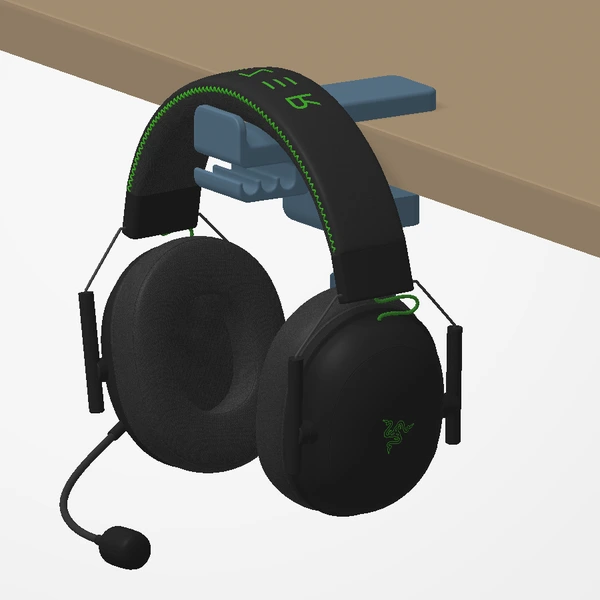
A single picture can hide the part of a product you most want to see. Our interactive previews let you turn a design around and take a closer look before visiting the shop.
Open any design in the collection to explore its available views.
Turn it, then look closer
![The [creations] preview of the dual 40 mm fan mount: the lined wheel under the model animates the selected view, and the View buttons switch between the assembled mount and the mount with two fans.](/images/workbench/preview-controls-v1.webp)
Drag the model or use its lined wheel to explore the selected view. GPU supports adjust up and down; other views turn a part, demonstrate an installation, or move fan blades and airflow at a fixed viewing angle. Pinch or use Ctrl + scroll to look closer.
Renders show shape and arrangement. A finished print’s texture and color can differ; the Etsy listing has product photographs.
Compare the available versions
View buttons switch between sizes, styles, colors or installed views. Fan mounts open with the assembled mount first; choose the fan view to see illustrative airflow.
These controls are for exploration. They do not add an item to a basket or carry a purchase selection into Etsy. Check and select the intended option again on the listing.
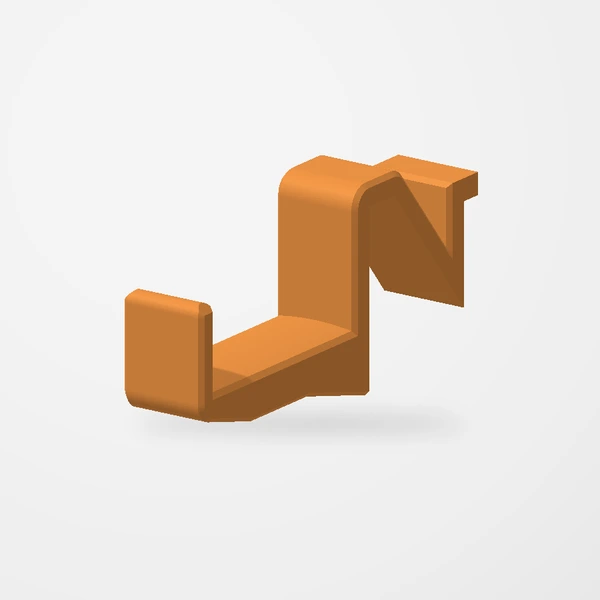
Read the notes beside the image
Previews show the assembled designs and how they are used. Accessory models illustrate placement; fans are not included with fan mounts. Check the listing for the contents of your order.
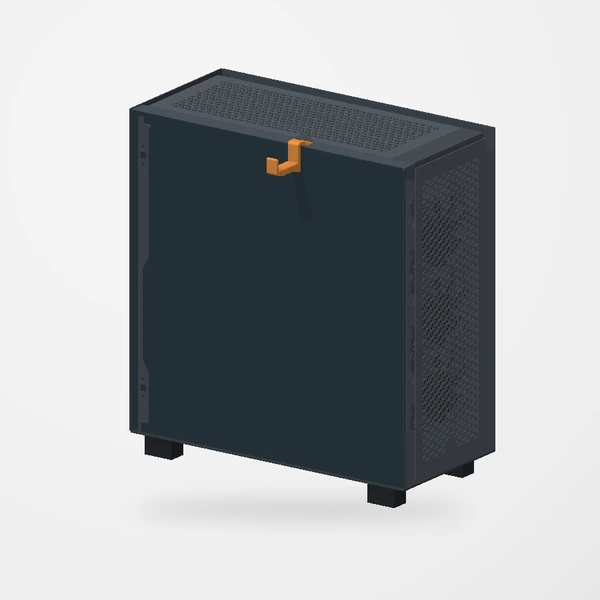
Use the listing for the final details
Once you understand the shape, use the Etsy link to check the current listing, options, and availability. If a dimension is missing or you are unsure how a part will fit, ask us. A clear measurement is more useful than trying to estimate size from a render.
The gallery is a way to inspect our work. Design files are not available for download.
Take a closer look at the designs in our collection.
Explore Creations