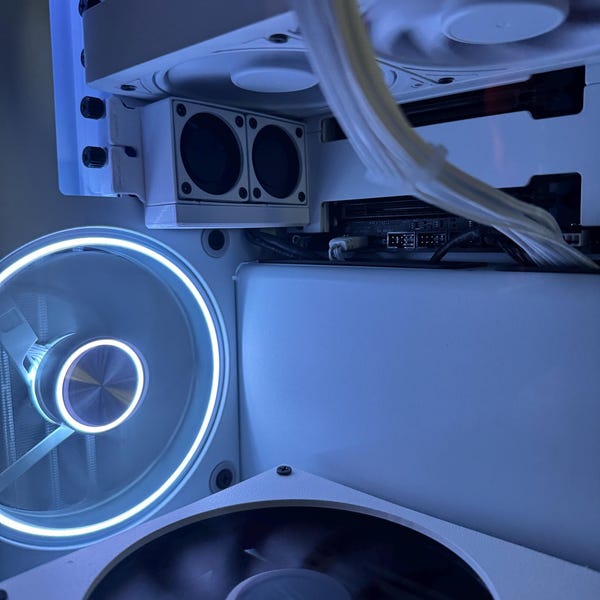
Airflow depends on the whole setup: the case, fans, components and the space between them. A printed mount changes where a fan can sit; the outcome still depends on the build.
Why Airflow Matters
Good airflow can be the difference between a system that runs efficiently and one that overheats, throttles performance, or even suffers from hardware failure. When components like your GPU or CPU get too hot, they slow down to protect themselves, impacting your gaming experience, your productivity, and the lifespan of your hardware.
A small airflow change can help in some builds, but it needs to be tested in context. Airflow is all about minimizing resistance and maximizing the delivery of cool air to your components. Hot air needs to be exhausted efficiently, and cool air should be brought in with minimal obstructions.
What our test showed
- 2×40 mm: GPU temperature decreased by 1.5°C.
- 1×60 mm: GPU temperature decreased by 3°C.
GPU fan noise also decreased during the test; we did not measure a decibel reduction. These are results for the tested fan configurations, not separate tests of every mount variant. They do not establish results for the single 40 mm or 120 mm mounts.
Best suited to tighter cases with limited existing airflow. Results vary by case, hardware, fans and test conditions; temperature and noise improvements are not guaranteed.
Watch our PCIe fan test. Fans are not included with the mounts.

Small Changes, Big Impact
You don't have to be a PC modding expert to improve your system's airflow. Sometimes, small changes like reorganizing cables, adding a fan, or adjusting your fan curves can make a big difference. If you're interested in optimizing your setup, our later PCIe fan video shows one tested example, with results that are specific to that setup.
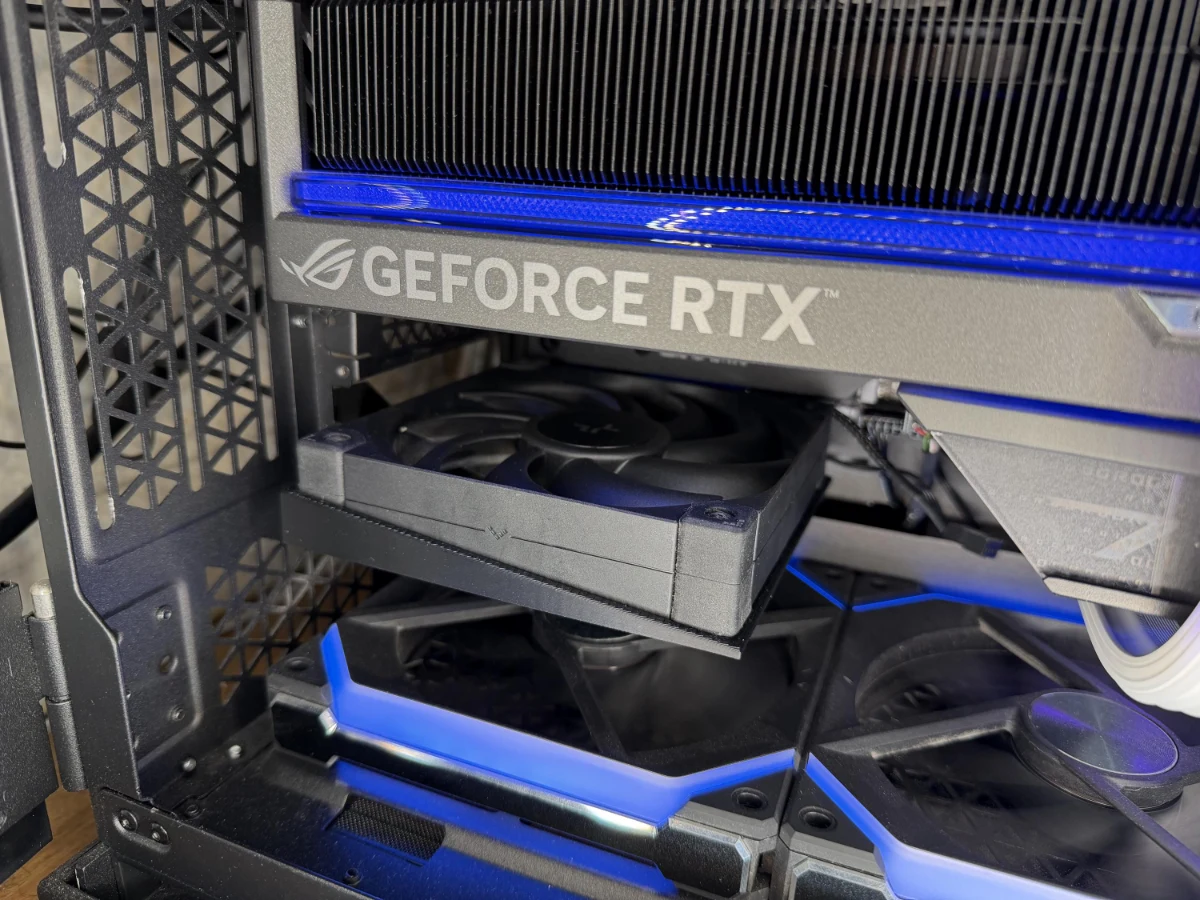
Our goal at Bankasi Media is to make this kind of knowledge accessible to everyone. We want you to feel empowered to experiment with your own setup, and share your results with us.
Explore our PC accessories and interactive design previews on the Creations page.
Explore cooling mounts